Slotbound faction synergies: picking a faction at promotion
Quick answer
Faction synergies activate when you promote units: a fresh unit belongs to no faction, and only at its class promotion do you pick a faction for it, such as Empire, Outlaw, Pirate, Forest, Tribe or Holy. Once two or more promoted units share a faction, the synergy panel lights up and its bonus applies to your army.
| Faction Synergy system added | v0.4.0 update, in beta and will be refined over timeSlotbound v0.4.0 - Major Update: The Jester Arrives! (Steam) |
|---|---|
| How units join a faction | Promoting a unit offers faction choices such as Empire or OutlawHUGE Update! New Factions & the Jester | Slotbound (player video) |
| Outlaw synergy example | Finish Them: 2 of 4 types gives +15% damage, scaling up to six typesHUGE Update! New Factions & the Jester | Slotbound (player video) |
Learn how Slotbound faction synergies work: promote units to pick a faction, then stack two or more promoted types in it to unlock each synergy bonus.
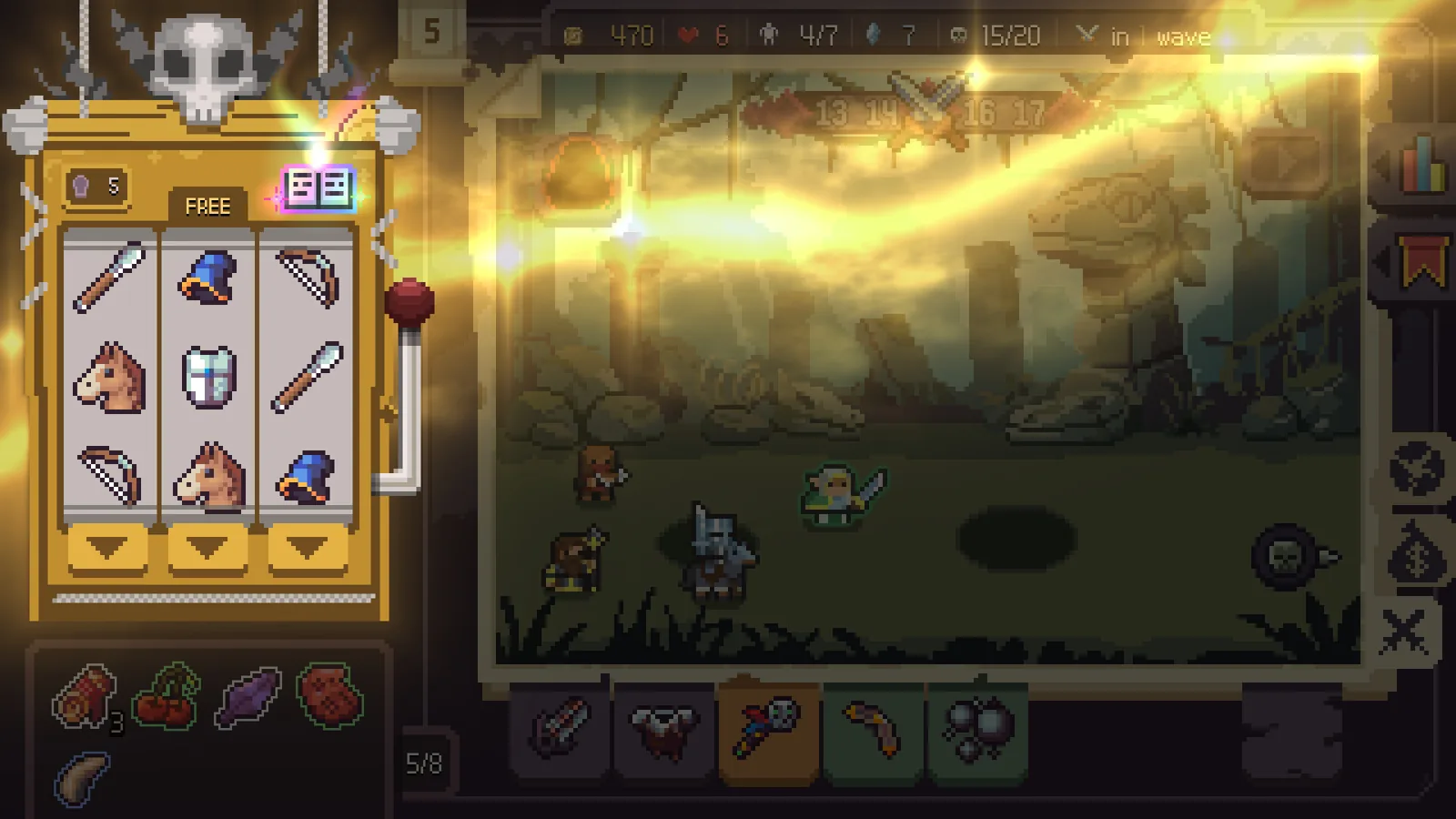
Table of Contents
Faction synergies activate when you promote units: a fresh unit belongs to no faction, and only at its class promotion do you pick a faction for it, such as Empire, Outlaw, Pirate, Forest, Tribe or Holy. Once two or more promoted units share a faction, the synergy panel lights up and its bonus applies to your army.
The system is new. The developer's v0.4.0 update announcement on the official Steam page states the Faction Synergy system was added in beta and "will continue to be refined over time", so exact numbers below can shift in future patches.
Why your synergy panel is empty at the start
A common confusion in the new demo build: the panel says "no faction synergies" even after you summon and merge plenty of units. That is expected. Unpromoted units count toward nothing. In one first-hand demo run, a player spun for many waves, bought items and leveled units, and the panel stayed empty until the first promotion. Promoting a Spearman to Soldier was the moment factions appeared, offering Empire or Outlaw as choices alongside the class trait.
So if you see no synergies early in a run, the fix is simply to promote someone. Get a unit to its promotion threshold by merging duplicates into it, then take the promotion option.
How to promote a unit and pick a faction
Summon and merge fodder
Spin the 3x3 slot machine and absorb (merge) duplicate units into the one you want to develop. Absorbing raises the target unit's level.Reach the promotion threshold
The class promotion becomes available around level 3 for basic units. When the unit qualifies, a promotion button appears for it.Choose a class trait and a faction
The promotion screen shows multiple class options, and each option names its faction. In the recorded run, promoting a Spearman's Soldier path labeled it "Balanced faction: Empire", while a cavalry path was labeled Outlaw. Elves can choose Forest or Tribe.Check the synergy panel
After the promotion, the faction synergy section updates. Your first promoted unit shows its faction; the second matching one triggers the first bonus tier.
A useful detail from the same run: full promotion (the tier-three class promo) now offers three options instead of one, so you are not forced to RNG into a bad trait on your most developed unit. That matters for synergy planning, because you can deliberately steer a fully promoted unit into the faction you are building.
Known factions and their bonuses
Everything here comes from a single player's first-hand demo footage of the v0.4.0 build, so treat the numbers as one observed snapshot of a beta system rather than a final table.
| Faction | Observed bonus | Threshold |
|---|---|---|
| Outlaw | Finish Them: attacking an enemy at 40% HP or below deals bonus damage | 2 of 4 types: +15% damage; scales up to six types |
| Empire | Imperial Shield applied to all Empire units at the start of battle | 2 types: 10% max HP shield, twice |
| Forest | Forest Regeneration triggers the first time each Forest unit falls to 50% HP or below | 2 types: restore 10% max HP |
| Tribe | Momentum of War, active until the first Tribe unit falls | 2 types: +8% attack speed |
| Holy | Increased healing for all allies | 2 types: healing received +20% |
Two caveats worth knowing from that run:
- The Outlaw example explicitly showed intermediate tiers ("one out of two... two out of four... you can get it all the way to six types"), so thresholds stack in steps rather than being a single flat unlock.
- The player suspected some class paths open factions others do not — for example, Elven class promos leading to Forest or Tribe. That part is an impression, not confirmed; expect faction availability to depend on which unit type you promote.
Choosing a faction path during a run
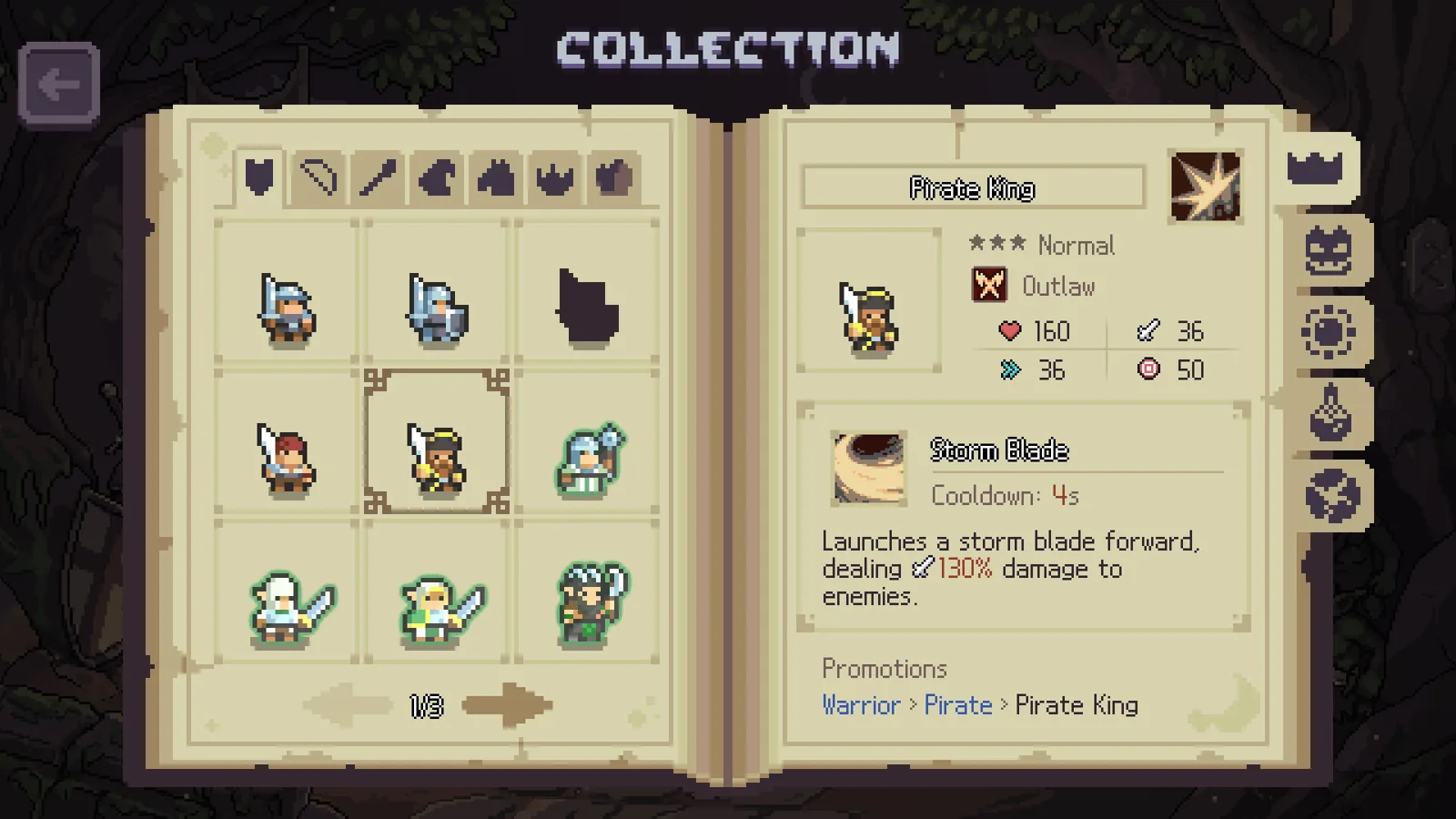
Since synergy bonuses key off the number of promoted units in each faction, plan promotions around whichever faction your summons can actually feed. In the recorded run, the player promoted a Spearman into the Pirate path (a Pirate King fully promoted class), a cavalry into Outlaw, then branched into Empire, Forest, Tribe and Holy just to map the system. In a real optimized run, concentrating promotions into one or two factions reaches the higher tiers faster than spreading one unit into every faction.
Practical sequencing that worked on screen:
- Pick one main faction early and promote its units first, so you reach the two-type threshold before the wave-10 boss.
- Feed merges into a second unit of the same faction whenever duplicates appear, since a second promoted type is what activates the bonus.
- Only spread into extra factions once your core synergy tier is secure; the player who sampled every faction openly called it non-optimal play.
- Re-check the synergy panel after every promotion — new tiers pop in as counts increase.
Next steps
- The synergy bonuses stack on top of ordinary promotion traits, so Slotbound core combinations matter when you decide whether to lean into damage factions like Outlaw or utility ones like Empire.
- If your run is stalling before you can promote enough units, Slotbound slot machine mechanics explains the spin, nudge and merge loop that feeds units into your roster.
- Items such as Tense String and Command Banner buff whole categories of allies, and the reworked item system is covered in Slotbound items.
FAQ
Why does the Faction Synergy panel say "no faction synergies"?
Because no unit has been promoted yet. Promoting a unit into a faction is the only observed way to populate the panel; summoning, merging and leveling alone do nothing for it.
How do I get Slotbound faction synergies in a run?
Promote units and pick a faction on the promotion screen, then promote a second unit of the same faction. Two matching promoted types activated the first bonus tier in the observed Outlaw, Empire, Forest, Tribe and Holy examples.
Do all promotion options offer the same factions?
No. Different class paths listed different factions — Empire or Outlaw on a Spearman, Pirate on a fully promoted tier-three path, Forest or Tribe on elf units. The full mapping is not confirmed and is part of the beta system.
Is the Faction Synergy system final?
No. The developer's official v0.4.0 notes describe it as currently in beta and subject to continued refinement, so expect changes as updates land.
Details on faction choices, thresholds and bonuses come from a first-hand player video of the v0.4.0 demo (HUGE Update! New Factions & the Jester), with the system's existence and beta status confirmed by the official Steam announcement. Exact synergy numbers remain unconfirmed by the developer and may change.
Related guides for this game
Mechanics Guides Index
Slotbound core combinations: how Cores unlock and work
Slotbound core combinations explained: when Cores unlock, what they do, and how to plan synergies around your units, Items and spins in each run.
Slotbound Core Synergy: How Cores Combine and Pair
Slotbound core synergy explained: how Cores slot into your run, which tag pairs to build around, and which combinations to avoid in the demo and launch.
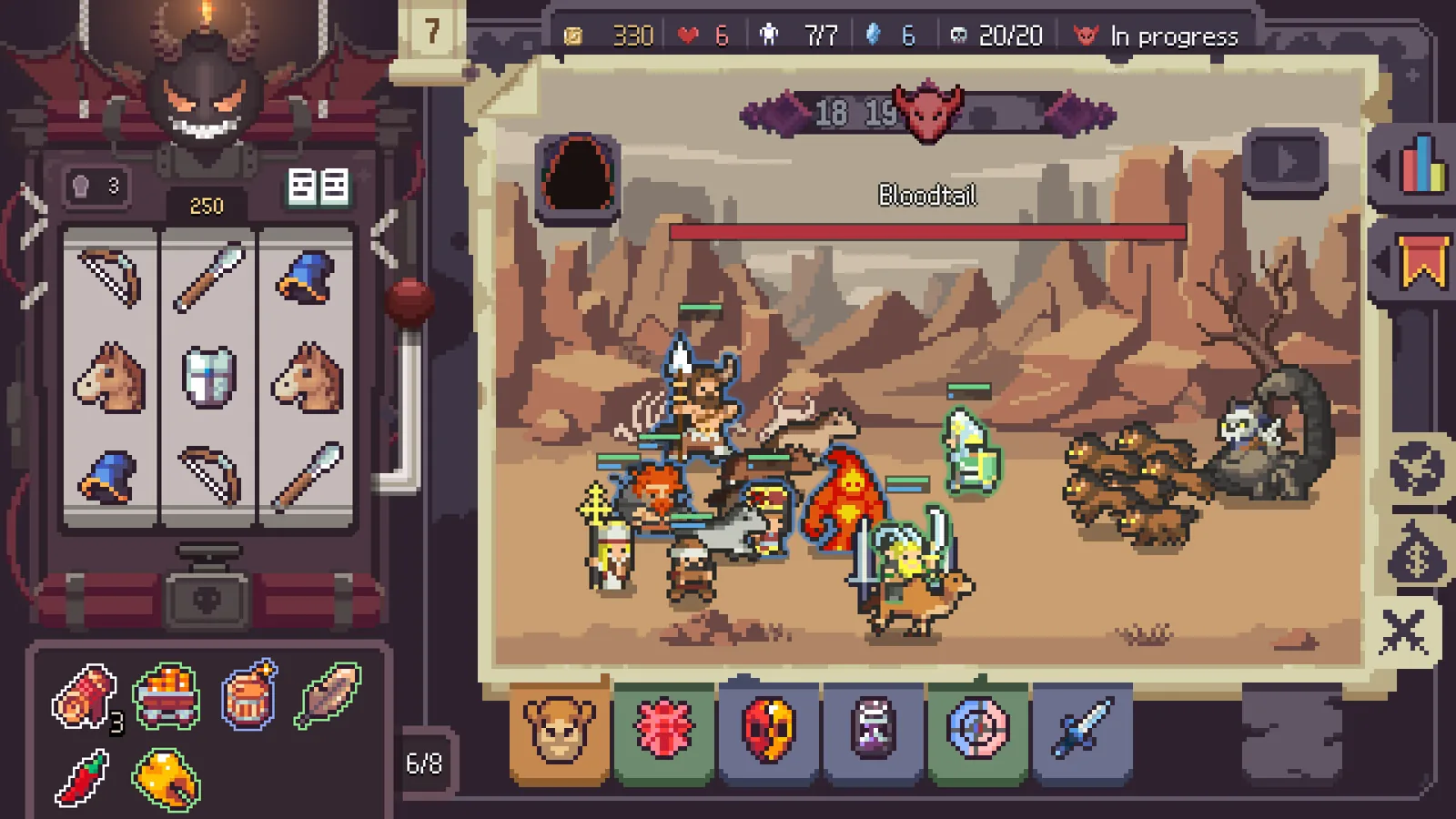
Slotbound Items: Types, Acquisition and Core Synergy
Slotbound items explained: what they do, how to buy and reroll them in shops, and how they stack with Cores and Imprints before judgement and boss waves.
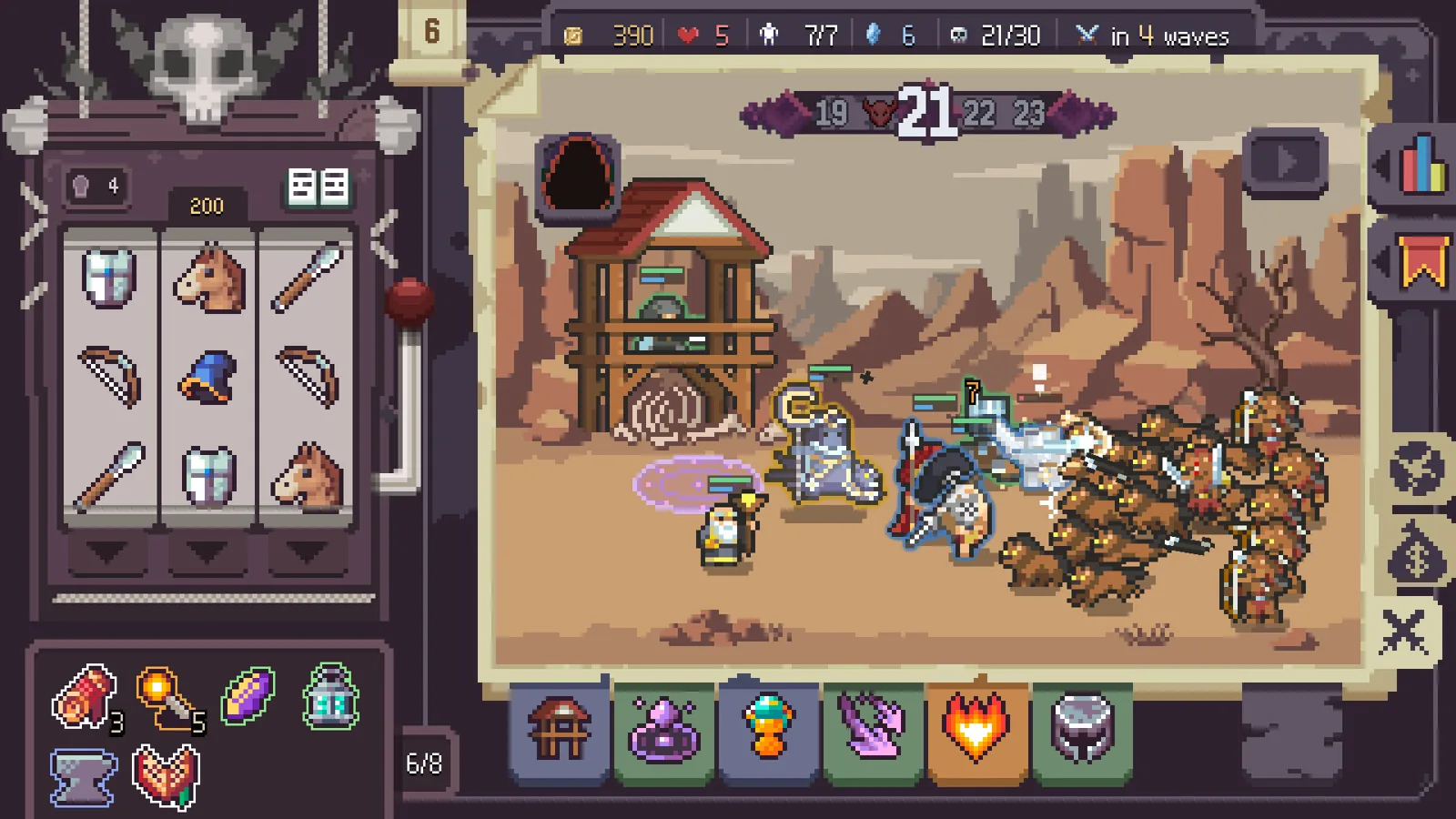
Slotbound Slot Machine Mechanics: Spins, Lines, Costs
How Slotbound slot machine mechanics work: each gold spin lines up three matching symbols on a payline to summon units, while Items and Cores tweak odds.
Builds Guides Index
Slotbound Barbarian Build: Warrior to Rampage Cavalry Guide
The Slotbound Barbarian build route: feed one Warrior, evolve to Barbarian Cavalry, then Rampage Cavalry, with cores, items and placement for clearing waves.
Slotbound Duelist Build Guide: Combo Speed and Low Odds
A Slotbound Duelist build guide: stack combo speed, absorb units, use the Duelist manual and Jester-relic spins to offset the duelist symbol's ~10% odds.